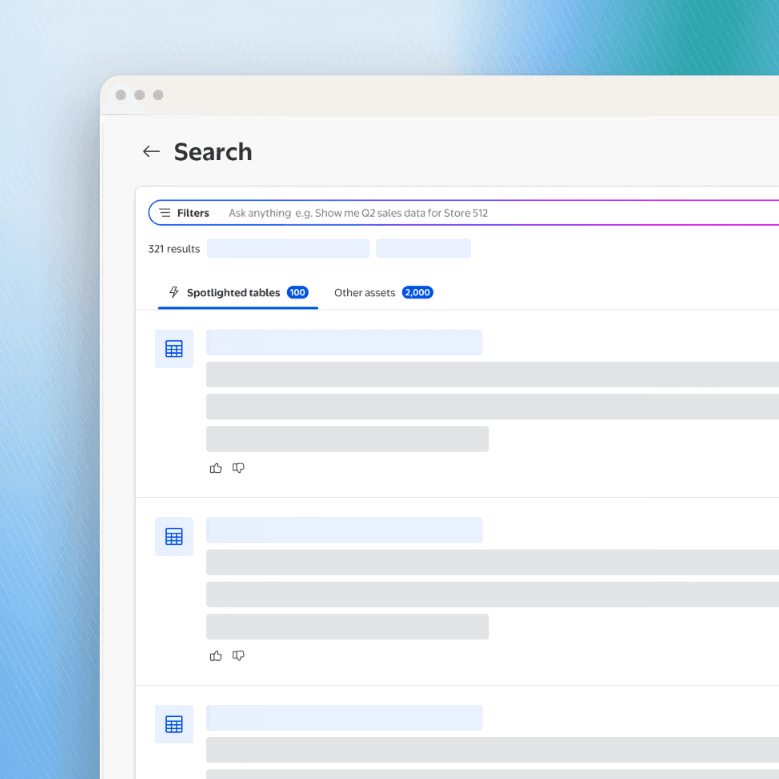
All data shown is for illustration purposes only.
Summary
Walmart chose our survey tool to run the Associate Engagement Survey across every associate in the company. The launch had one hard gate: the survey-taking experience had to fully meet WCAG 2.1 AA. The tool had never been audited. I owned accessibility from audit through launch.
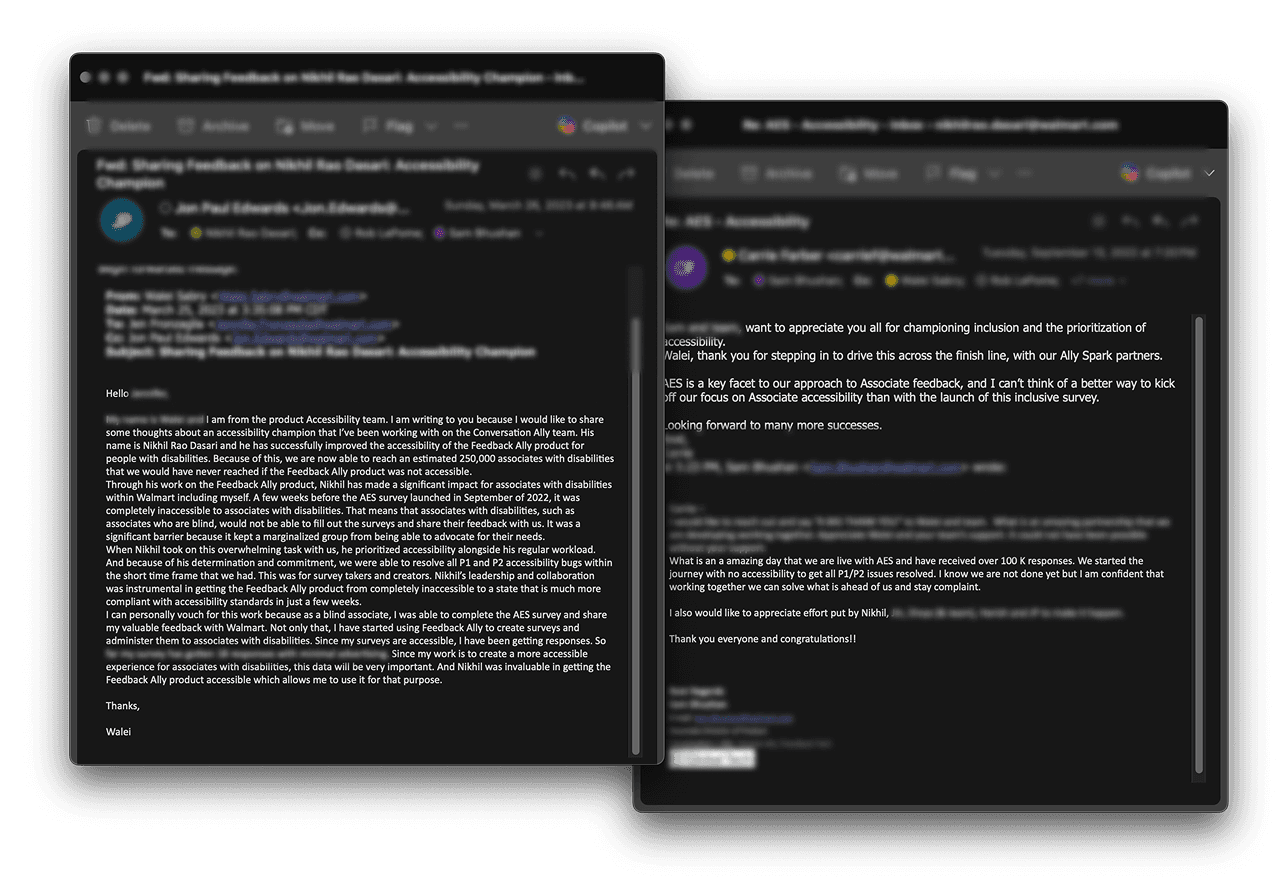
“I was able to complete the AES survey and create my own accessible surveys. Without Nikhil’s work, this would have been impossible.”
— Walei, PM, Accessibility Workgroup
What I owned
Scoped launch to the 35 survey-taker issues.
Wrote the screen-reader and keyboard annotations.
Made the Accessibility Workgroup part of every design review.
Problem
The first audit found 115 accessibility issues: 80 in the survey creator and 35 in the survey taker. 28 were high severity (P1 and P2). Because the audience included associates with visual and physical disabilities, the launch couldn't happen until the survey taker was clean.
Accessibility issues
115
High severity (P1 and P2)
28

Prioritizing the launch
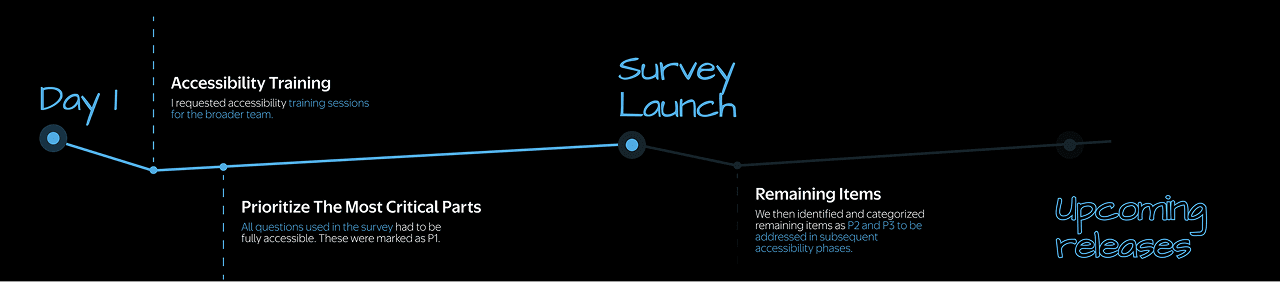
The product test was three months away, and fixing all 115 issues in that window wasn't realistic. I clarified which parts of the product the survey would actually use. Every associate would only touch the survey taker, so I scoped launch to its 35 issues and moved the creator's 80 into a phased plan.
Design changes
Documenting screen-reader and keyboard behavior
I added detailed annotations to the handoff files for elements that needed screen-reader support and keyboard interactions. The handoff now described how someone would use the interface as well as how it should look.

Making chart data accessible
Survey metrics were presented visually in charts. I paired those charts with accessible data tables so screen-reader users could interpret the same information.

Defining a logical reading order
I set a reading order for every page that matches its visual hierarchy, so screen reader users move through the survey in the same sequence sighted users do.

Working with the Accessibility Workgroup
I made the Accessibility Workgroup a standing part of every design review rather than a final audit gate. Issues surfaced while designs were still easy to change. The chart accessibility gap above was one they caught this way.

Checking contrast beyond the design system
Walmart's palette is accessible on its own, but combinations can still fail. I checked every component in context against AA contrast.

Results
As a team, we cleared all 35 survey taker issues and launched on time. The survey reached nearly 2.2 million associates, including more than 10,000 associates with disabilities.
Associates reached
Nearly 2.2M
Associates with disabilities
10K+
WCAG 2.1 AA at launch
100%
Learnings
Annotations are the cheapest place to fix accessibility. Every behavior specified in handoff was one engineering didn't have to guess.
Scoping made 100% achievable. Clearing 35 critical-path issues was a launch plan; clearing 115 was not.